 GuerillaFi
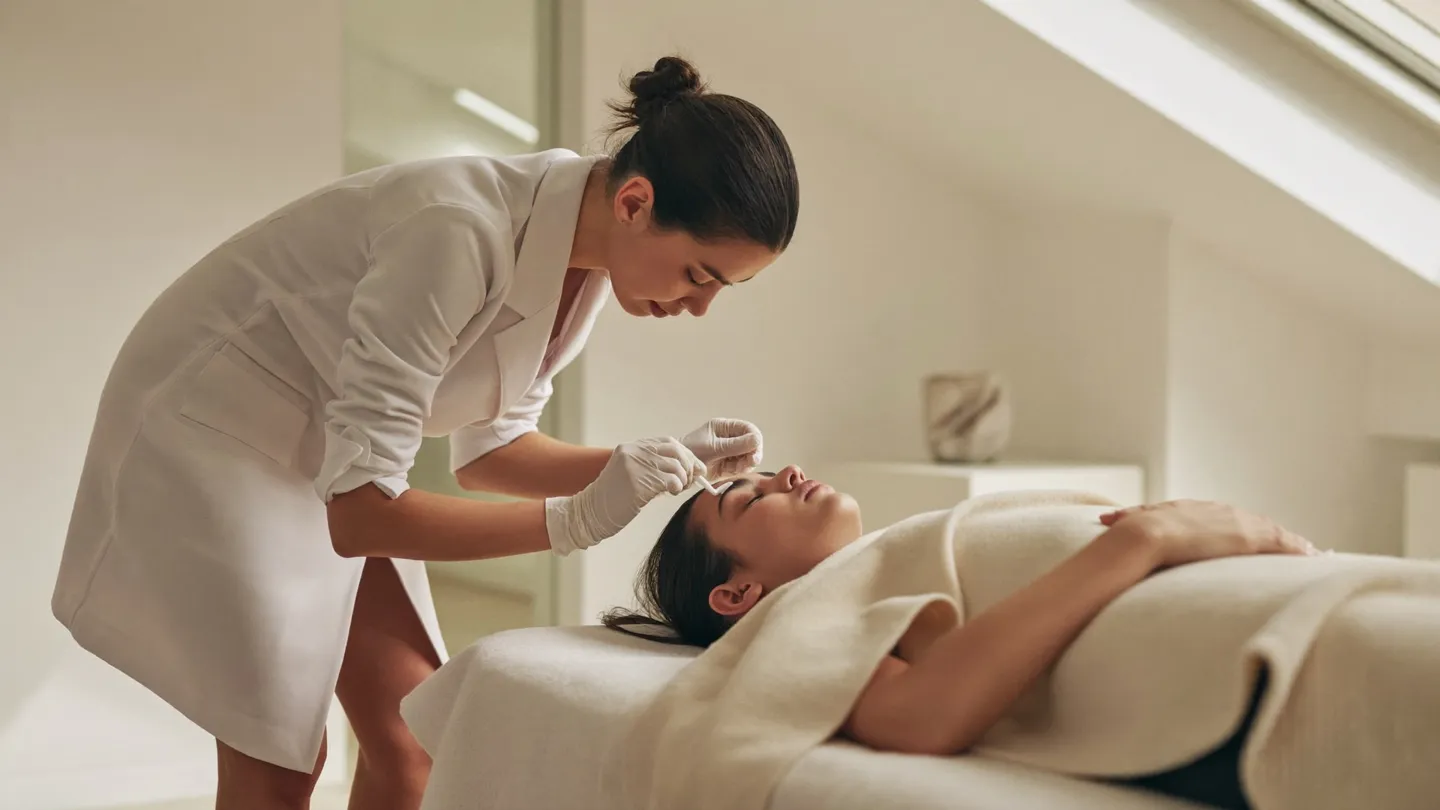
Someone searching Google Maps for a wax appointment is often trying to resolve several questions at once: Is this studio nearby? Does it offer the service I want? Will I feel comfortable? Can I book without making a phone call? Your profile needs to answer those questions before a potential guest moves on. Getting more bookings is therefore not simply a matter of adding keywords or collecting reviews. It means making the entire journey, from discovery to confirmation, clear and dependable. In 2026, the sensible starting point remains accurate business information, evidence of a real and welcoming studio, and an easy next step. This guide explains how to improve that journey without promising rankings or inventing performance benchmarks. It also shows where automation can help, where a person should take over, and how to measure appointments rather than treating profile activity as the final result.
1. Make the profile accurate before making it persuasive
Start with the information a guest needs to visit you successfully. Confirm your business name, address, phone number, opening hours, and booking destination. Use your actual business name rather than adding location or service phrases that are not part of it. Select categories that genuinely describe the studio, and review the current options and eligibility requirements inside your Google Business Profile. Accuracy matters more than trying to force every treatment into a category field. If you operate inside another business or share an entrance, explain the arrival process clearly wherever the profile permits useful visitor information.
Next, compare the profile with your website and booking platform. A holiday closure should not appear in only one place. A relocated studio should not send guests to an old entrance. Open the booking link on a phone and follow the path as a first-time guest would. Check whether the correct location is selected and whether services have understandable names. Assign someone responsibility for checking these details whenever your schedule, team, location, or service menu changes. A profile is an operational asset, not a one-time setup task.
2. Answer the questions behind the search
Guests do not all search with the same level of familiarity. An experienced guest may know exactly which service to select, while someone new to waxing may be uncertain about preparation, privacy, or what happens during the appointment. Write service descriptions in plain language. Explain what the appointment includes, what preparation information will be provided, and how guests can ask questions before booking. Avoid presenting waxing as appropriate for every skin condition or making medical assurances. If a guest mentions irritation, medication, or a recent treatment, direct that question to an appropriately qualified person rather than treating the booking script as clinical advice.
Use authentic photographs that show the entrance, reception area, treatment environment, and team members who have agreed to appear. Guests should be able to recognize the studio when they arrive. Obtain explicit permission before publishing identifiable client images, and do not assume that consenting to a treatment also means consenting to marketing. Intimate treatment imagery deserves particular care. A calm explanation of your consultation process can build confidence without relying on revealing photographs or exaggerated claims about comfort. Show what a visitor needs to understand, not everything the camera could capture.
3. Build a review process that respects the guest
Ask for honest feedback through a consistent process rather than approaching only guests you expect to leave glowing reviews. A simple message after an appointment can thank the guest and offer a direct review link. Keep the request optional. Avoid incentives, pressure, or language that tells someone which rating to choose. Review the platform's current policies before launching a review campaign, and do not use satisfaction screening to decide who receives a public review invitation. The objective is a credible record of real experiences, not a manufactured collection of perfect comments.
Reply with the same discretion you would use at reception. Even if a reviewer names a treatment, your response does not need to confirm personal details, discuss skin concerns, or describe appointment history. Thank positive reviewers without turning the response into an advertisement. For criticism, acknowledge the concern, invite a private conversation, and avoid arguing about facts you cannot responsibly explain in public. Internally, look for recurring operational themes such as confusing directions or unclear preparation guidance. Reviews become more valuable when the studio uses them to improve the experience instead of treating them only as promotional material.
4. Remove friction between the profile and the appointment
A profile can create interest and still lose the booking if its next step is confusing. Give visitors a clear route to book, call, or ask a question through channels your studio actually supports. Do not design the journey around a platform messaging feature without checking that it is currently available to your business. On your own site, keep the booking action visible and explain whether the visitor is reserving a confirmed appointment or submitting a request. Those are different promises. If availability must be checked by staff, say so before the guest shares their details.
Test the experience outside business hours as well as during them. Can a visitor choose a service without creating an account too early? Does a missed call lead to a useful response? Are confirmation and cancellation instructions understandable? An AI receptionist can answer approved routine questions and help guests reach the booking process around the clock. It should not invent availability, bypass booking rules, or claim that a reservation exists before the booking system confirms it. Provide a clear human handoff for sensitive questions, accessibility needs, complaints, and anything the assistant cannot resolve confidently.
5. Follow up with permission and useful context
A guest who asks about an appointment may need time to choose a date or arrange childcare. Follow-up can help, but it should feel like assistance rather than pursuit. Capture only the information needed to respond, explain how it will be used, and distinguish requested service communication from marketing consent. Rules vary by channel and jurisdiction, so review your obligations before enabling automated messages. Do not treat every phone number entered into a form as permission for an advertising sequence. Honor opt-outs promptly and make the route to a person easy to find.
Within GuerillaFi's system, a seven-day follow-up workflow should be configured as a limited opportunity to help an interested guest complete the next step, not as permission to message them constantly. Set spacing, channel permissions, quiet-hour rules, and stop conditions before turning it on. Stop when someone books, declines, opts out, or needs a human response. Avoid including intimate service details in text previews. The CRM Command Center can keep inquiry status, conversation context, and staff ownership together so that a guest does not have to repeat the same question to several people.
6. Measure the full journey and improve one weak point at a time
Profile views and website clicks can indicate interest, but they do not establish how many guests booked or attended. Track the journey from source to inquiry, confirmed appointment, and completed visit where your systems and consent arrangements allow it. Use tagged website links when appropriate, and ask guests how they found you without forcing them to guess. Keep unknown sources visible instead of assigning them to Google by default. Review missed calls, unanswered questions, booking errors, and cancellations alongside marketing activity. These details can explain why a busy-looking profile is not producing a fuller appointment book.
GuerillaFi connects Google Maps work with managed Google or Meta advertising, a monthly creative refresh, seven-day follow-up, a 24/7 AI receptionist, and the CRM Command Center. These components should support the same guest journey rather than operate as separate campaigns. A monthly creative refresh can update paid messages and address real guest questions; it is not a claim that changing imagery improves Maps rankings. Choose one operational bottleneck each review cycle, such as a broken mobile booking flow or slow inquiry handoff. Fix it, check the resulting appointments, and document what changed before moving to the next experiment.